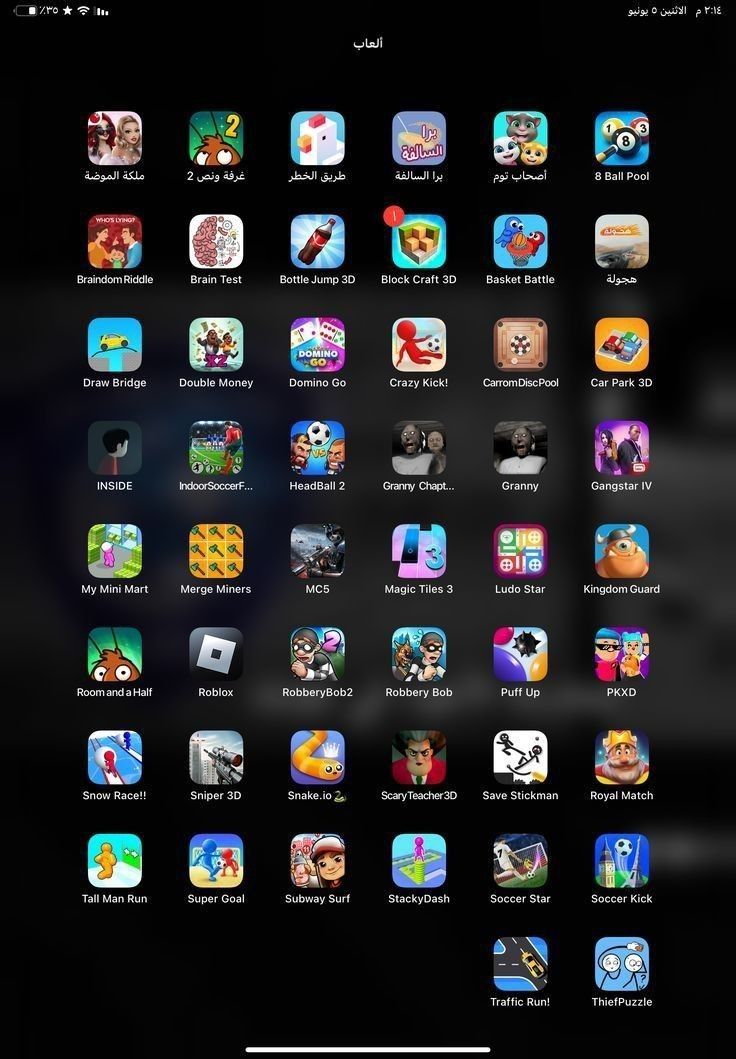
Finding quality games for kids that don’t need Wi-Fi can feel like a challenge. Whether you’re on a road trip, flying, dealing with spotty internet, or just trying to cut down on screen distractions, offline iPad games are a lifesaver. The good news is that there are plenty of engaging, educational, and fun options that work perfectly without an internet connection.
This guide breaks down the best offline iPad games for kids, what makes them worth downloading, and what parents should know before handing over the device.
Why Choose Offline iPad Games for Kids?
Offline games offer more than just convenience. They often provide a safer and more focused experience for younger users.
First, they eliminate exposure to ads and in-app popups that require internet access. That means fewer chances of kids clicking on something inappropriate or accidentally making purchases.
Second, offline games reduce distractions. Without notifications, messages, or online features, kids can stay focused on playing, learning, and exploring.
Finally, they’re perfect for travel. Long car rides, flights, waiting rooms offline games keep kids entertained without needing a signal.
What Parents Should Look For in Offline Games
Before downloading any game, it helps to know what separates a great kids’ game from a frustrating one.
Look for games that:
- Have simple, intuitive controls
- Offer educational or creative value
- Don’t rely on constant in-app purchases
- Include parental controls or kid-friendly settings
- Are age-appropriate in content and design
Avoid games that feel repetitive, push constant upgrades, or lock basic features behind paywalls.
Best Offline iPad Games for Kids
Here are some of the top choices that work without Wi-Fi and consistently get positive feedback from parents.
1. Toca Life World
Best for: Creativity and storytelling
Age range: 4+
Toca Life World lets kids build their own stories using characters, locations, and objects. There are no scores or time limits, which makes it perfect for imaginative play.
Why parents like it:
It encourages creativity without pressure. Kids can create their own worlds and scenarios at their own pace.
Things to know:
While the base game works offline, some extra content requires purchase.
2. Monument Valley 1 & 2
Best for: Puzzle-solving and visual thinking
Age range: 8+
This beautifully designed puzzle game challenges kids to navigate optical illusions and shifting architecture.
Why parents like it:
It promotes problem-solving and patience without being overwhelming.
Things to know:
It’s a paid game, but once downloaded, everything works offline with no ads.
3. Minecraft Offline Mode
Best for: Building and exploration
Age range: 7+
Minecraft’s offline mode still offers full creative gameplay. Kids can build, explore, and experiment without needing multiplayer access.
Why parents like it:
It blends creativity, logic, and planning. Kids learn basic design and problem-solving skills.
Things to know:
Set the game to “creative mode” for younger kids to avoid survival challenges.
4. Endless Alphabet
Best for: Early learning and vocabulary
Age range: 3–6
This game introduces kids to new words through interactive puzzles and animations.
Why parents like it:
It’s educational without feeling like a lesson. The animations make learning fun and memorable.
Things to know:
Some word packs may require purchase, but core features work offline.
5. Alto’s Adventure
Best for: Relaxing gameplay
Age range: 6+
A simple endless runner where kids snowboard through scenic landscapes.
Why parents like it:
It’s calming, easy to play, and doesn’t overwhelm kids with complicated mechanics.
Things to know:
No internet needed after download, and gameplay is smooth and ad-free if purchased.
6. Thinkrolls
Best for: Logic and physics puzzles
Age range: 4 10
Kids guide characters through obstacle courses using problem-solving skills.
Why parents like it:
It builds reasoning skills in a fun, approachable way.
Things to know:
Different versions exist for various age groups.
7. Dr. Panda Games
Best for: Role-playing and exploration
Age range: 3–8
Dr. Panda offers a range of games where kids can run restaurants, explore towns, and care for animals.
Why parents like it:
These games encourage curiosity and independent play.
Things to know:
Many are paid apps, but they work fully offline once installed.
8. LEGO DUPLO World
Best for: Younger kids and guided play
Age range: 2–5
Designed for toddlers and preschoolers, this game focuses on building, animals, and simple problem-solving.
Why parents like it:
It’s safe, colorful, and easy to navigate.
Things to know:
Some features require purchase, but offline play is supported.
9. Cut the Rope
Best for: Fun physics puzzles
Age range: 6+
A classic puzzle game where kids cut ropes to feed candy to a character.
Why parents like it:
Short levels make it easy to play in small bursts.
Things to know:
Some versions include ads unless you purchase the full version.
10. Shadowmatic
Best for: Creative thinking
Age range: 8+
Players rotate objects to create shadows that form recognizable shapes.
Why parents like it:
It encourages imagination and spatial awareness.
Things to know:
Best suited for older kids due to its challenge level.
Tips for Managing Offline Play
Even with great games, balance matters. Here are a few ways to keep screen time healthy:
- Set time limits before handing over the iPad
- Encourage breaks between games
- Mix digital play with offline activities like reading or drawing
- Play together occasionally to stay involved
Offline games should support your child’s development not replace other important activities.
Are Offline Games Safer for Kids?
In many ways, yes. Without internet access, kids are less exposed to ads, strangers, and external content. That said, it’s still important to:
- Check app ratings and reviews
- Preview games before your child plays
- Use parental controls on the iPad
- Turn off in-app purchases if needed
A little setup goes a long way in creating a safer experience.
Final Thoughts
The best offline iPad games for kids strike a balance between fun and value. They keep kids engaged without overwhelming them, and they give parents peace of mind by removing the risks that come with constant internet access.
Whether your child enjoys puzzles, building, storytelling, or learning games, there’s something here that will work even without Wi-Fi.
If you’re preparing for travel, trying to reduce screen distractions, or just looking for better game options, these picks are a solid place to start.

Stephanie Heitman is a seasoned journalist and author dedicated to helping parents navigate the world of Hollywood entertainment through thoughtful, family-oriented film reviews. With over a decade of experience in writing and a passion for fostering safe, enriching viewing experiences, Stephanie launched Parentguiding.com to provide parents with the insights they need to make informed choices for their families.