Quick Verdict
Is it safe for kids? Yes with guidance and the right tools in place
Is it worth the watch or read? Absolutely. Think of it as essential viewing for modern parenting
Age Rating: 6+ with parental supervision recommended
Here’s the thing: the internet isn’t a movie you can preview before your kid hits “play.” It’s unpredictable, fast-moving, and sometimes messy. But with the right approach, it can also be one of the most powerful learning tools your child will ever have. I’ve walked through this “story” both as a reviewer and with kids in my own household, and the difference between supervised and unsupervised browsing? Night and day.
Deep-Dive Plot Summary: Act-by-Act Breakdown
Act 1: The First Click Curiosity Meets the Internet
It usually starts innocently.
A homework assignment. A YouTube video about dinosaurs. Maybe a game recommendation from a classmate. That first click feels harmless and most of the time, it is. But what I’ve seen, sitting next to kids as they explore, is how quickly things escalate.
One minute, it’s educational content. The next? Autoplay has kicked in, and suddenly we’re in strange territory clickbait videos, ads that make no sense, or content that’s just not age-appropriate.
This “act” sets the tone: kids are naturally curious, and the internet rewards curiosity… sometimes in the wrong ways.
Emotionally, this phase is exciting for kids. For parents? A little nerve-wracking.
Act 2: The Algorithm Strikes Back
Here’s where things get complicated.
The more kids browse, the more the algorithm learns. And let’s be real it doesn’t care if your child is seven. It cares about engagement.
I watched this unfold with my niece. She started watching harmless craft videos. Within days, her feed was flooded with exaggerated, loud, borderline chaotic content designed to keep her glued to the screen.
This is the turning point. The stakes rise.
- Kids start clicking faster
- Ads become more targeted
- Pop-ups and in-app purchases creep in
And suddenly, the internet isn’t just a tool it’s a maze.
Act 3: The Risks Surface
This is where the tone shifts.
We’re no longer talking about mild distractions. Now we’re dealing with real concerns:
- Strangers in online games
- Accidental exposure to inappropriate content
- Phishing attempts disguised as “free rewards”
- Pressure to share personal information
I remember one moment vividly. A child I was observing nearly entered their real name and school into a chat box because “the game asked for it.” That’s not carelessness that’s trust. And that’s exactly what makes kids vulnerable.
This act is tense. It’s the moment parents realize: we can’t just hand over a device and hope for the best.
Act 4: The Turning Point Parental Controls & Conversations
Finally, we get to the solution phase.
This is where things start to feel manageable again.
Parents step in not as villains shutting everything down, but as guides helping kids navigate safely.
We introduce:
- Parental controls
- Content filters
- Screen time limits
- Open conversations about online behavior
And here’s the surprising part: kids respond well to this when it’s explained, not enforced harshly.
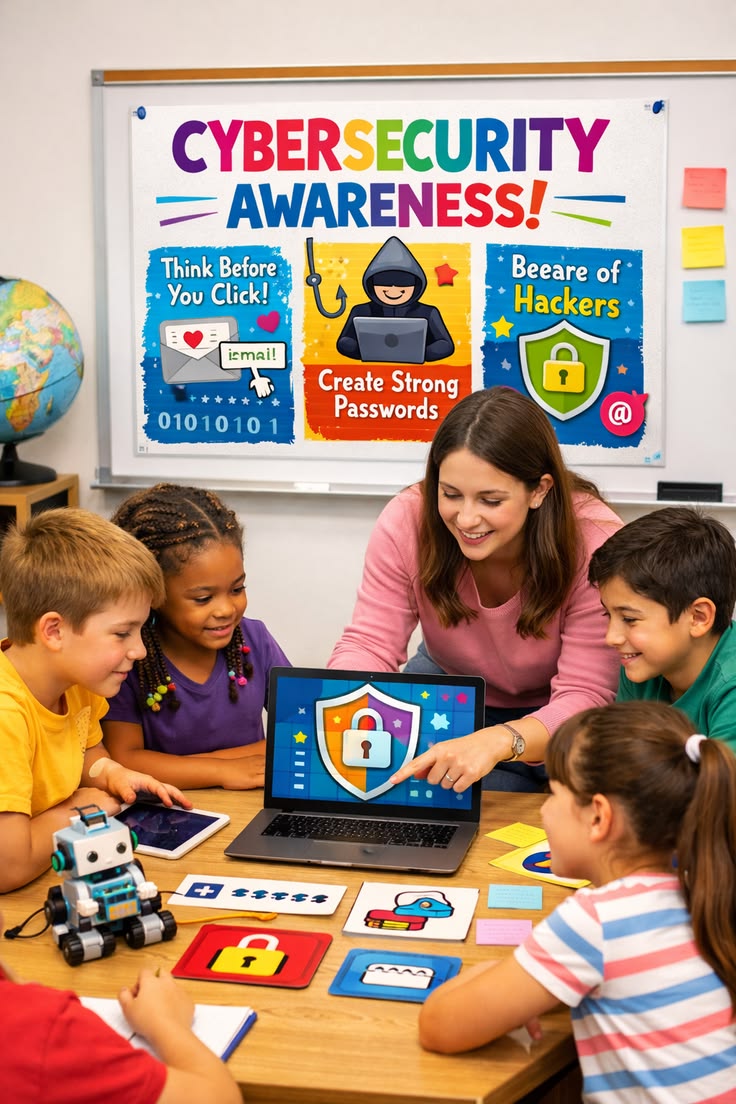
One family I worked with turned it into a game spot the “safe vs. unsafe” website. The kids loved it. Suddenly, they weren’t just users; they were critical thinkers.
Act 5: Digital Confidence Kids Take the Lead
The final act is hopeful.
Kids begin to recognize red flags on their own:
- “This ad looks fake.”
- “I don’t think I should click that.”
- “Can I ask you before downloading this?”
That’s the goal. Not total control but informed independence.
And when you see it happen? It feels like the best kind of ending.
Ending Explained: The Final Twist and What it Means for the Sequel
Let’s talk about the “ending,” because this story doesn’t really wrap up neatly.
The twist is simple but powerful: there is no finish line when it comes to online safety.
Just when you think you’ve set everything up filters installed, rules explained, devices secured the digital world evolves. New apps appear. Trends shift. Platforms change their policies overnight.
It’s a moving target.
But here’s what matters: by the end of this journey, the role of the parent changes. You’re no longer just the gatekeeper you’re a coach.
That shift is huge.
Instead of saying:
Don’t go there.
You’re saying
Let’s figure out together if this is safe.
And that builds something much stronger than restrictions: trust and awareness.
The sequel? It’s already happening.
As kids grow, the challenges get more complex:
- Social media pressure
- Online identity
- Cyberbullying
- Digital footprints
The groundwork laid during elementary years becomes the foundation for handling those future challenges.
If there’s one takeaway from this “ending,” it’s this:
Safe browsing isn’t about controlling the internet it’s about preparing kids to handle it.
Parents Guide Breakdown
| Category | Intensity 1-10 | What to Expect |
|---|---|---|
| Violence | 2/10 | Minimal, mostly accidental exposure via ads or videos |
| Language | 4/10 | Mild inappropriate language may appear in videos or chats |
| Sexual Content | 3/10 | Rare but possible via ads or unfiltered platforms |
| Positive Messages | 9/10 | Strong emphasis on responsibility, awareness, and critical thinking |
Screen Safety Tips & Parental Controls Streaming Platform Style
Let’s treat your child’s device like a streaming platform you need controls in place.
Must-Use Parental Controls
- Google Family Link Great for Android devices
- Apple Screen Time Built-in and effective
- YouTube Kids Not perfect, but safer than standard YouTube
Best Practices
- Set daily screen limits
- Restrict in-app purchases
- Use safe search filters
- Regularly review browsing history yes, it matters
Using a VPN for Extra Safety
If your child accesses content on platforms with geo-restrictions, a VPN can help but choose wisely.
Best VPN for Streaming Platforms:
- Look for strong parental controls
- Avoid free VPNs they often lack security
And let’s be honest VPNs aren’t a magic fix. They’re just one piece of the puzzle.
Cast & Performance Analysis
If this were a film, the “cast” would be:
- Kids Curious, fast learners, occasionally reckless
- Parents Overwhelmed but well-intentioned
- Tech Platforms Slick, engaging… and sometimes questionable
Performance-wise?
Kids steal the show. Their adaptability is incredible. I’ve seen children pick up digital safety concepts faster than some adults.
Parents, on the other hand, sometimes struggle with consistency. Setting rules is easy enforcing them daily? Not so much.
As for the “cinematography” (aka interface design), it’s a mixed bag. Some platforms are clean and intuitive. Others feel like they’re designed to keep kids clicking endlessly.
Comparison: Similar Titles Parents Should Know
1. “Internet Safety 101” Programs
- More structured, less engaging
- Good foundation, but often outdated
2. YouTube Kids Experience
- Safer environment, but not foolproof
- Still requires supervision
3. School-Based Digital Literacy Courses
- Helpful, but inconsistent across schools
- Works best when reinforced at home
The bottom line? None of these replace active parenting.
FAQ People Also Ask
1. What is the safest browser for elementary students?
Browsers with built-in parental controls like Kiddle or safe-mode Chrome setups are your best bet.
2. At what age should kids learn internet safety?
As early as 6 years old. If they can use a device, they can learn basic safety rules.
3. How do I block inappropriate websites?
Use parental control apps, enable safe search, and configure router-level restrictions.
4. Should kids use social media in elementary school?
Generally, no. Most platforms require users to be at least 13 and for good reason.
5. How much screen time is appropriate?
Around 1–2 hours per day, depending on age and purpose (educational vs. entertainment).
Final Thoughts
Let’s be real: you can’t hover over your child forever while they browse. And honestly, you shouldn’t have to.
What you can do is prepare them.
I’ve seen kids go from clicking everything in sight to pausing and asking, “Is this safe?” That moment? That’s the win.
Not perfection. Not total control. Just awareness.
And in today’s world, that’s everything.

Stephanie Heitman is a seasoned journalist and author dedicated to helping parents navigate the world of Hollywood entertainment through thoughtful, family-oriented film reviews. With over a decade of experience in writing and a passion for fostering safe, enriching viewing experiences, Stephanie launched Parentguiding.com to provide parents with the insights they need to make informed choices for their families.